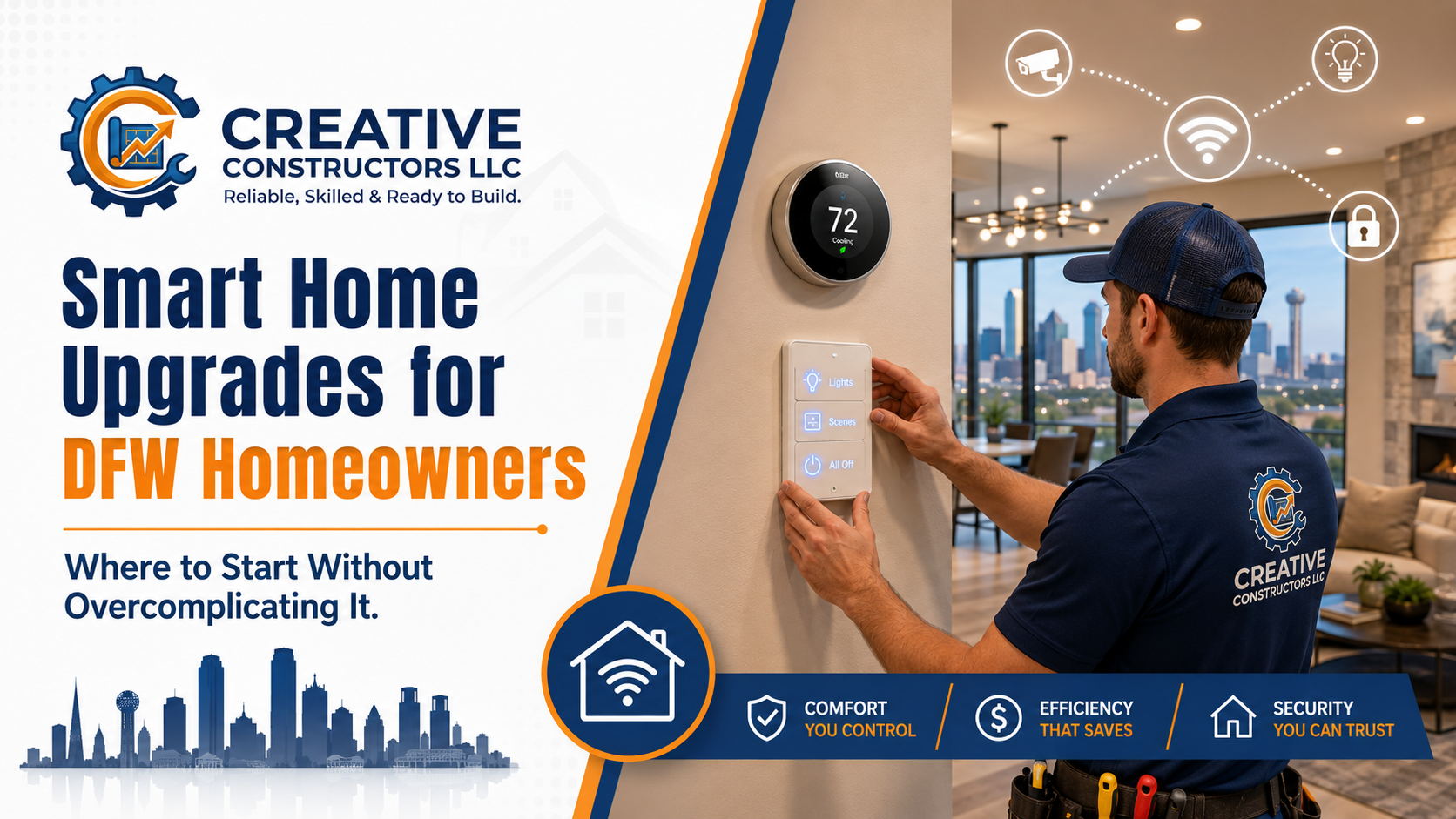
Smart home upgrades can make your home more comfortable, efficient, and secure — but only if they are planned correctly. Here is where DFW homeowners should start before adding smart thermostats, lighting controls, cameras, or automation.
Smart Home Upgrades for DFW Homeowners: Where to Start Without Overcomplicating It
Smart home upgrades sound simple until you start shopping.
One minute you are looking at a smart thermostat. Ten minutes later you are comparing lighting systems, security cameras, smart locks, video doorbells, motion sensors, hubs, apps, bridges, Wi-Fi mesh systems, voice assistants, and fifty different devices that all claim to “work with everything.”
That is usually where homeowners either buy random devices that do not work well together, or they get overwhelmed and do nothing.
For DFW homeowners, smart home upgrades can absolutely be worth it. Smart thermostats can help with comfort and energy use during Texas summers. Smart lighting can make daily routines easier. Cameras and motion lighting can improve visibility around the home. Smart switches, dimmers, and keypads can clean up messy wall controls and make larger homes easier to manage.
But the best smart home setups are not the ones with the most gadgets. They are the ones that solve real problems in the home.
Start With the Problem, Not the Product
The biggest mistake homeowners make is starting with a product instead of a goal.
A smart home upgrade should answer a real question:
Are you trying to make the home more comfortable?
Are you trying to reduce energy waste?
Are you tired of walking around turning off lights?
Do you want better security around doors, gates, or driveways?
Do you want easier control over outdoor lighting?
Do you want one switch to control multiple lighting zones?
Are you trying to make an older home feel more modern?
Do you want automation for daily routines?
Once you know the goal, the equipment choices get easier.
For example, if your main issue is summer comfort, start with a smart thermostat and HVAC-related controls. If your issue is dark side yards and poor visibility, start with exterior lighting and cameras. If your kitchen has five switches in a giant wall plate, smart lighting controls or a keypad system may be the better starting point.
Random gadgets create clutter. A plan creates a system.
Smart Thermostats Are Usually the Best First Upgrade
For many DFW homes, a smart thermostat is one of the most practical starting points.
Texas heat puts a serious load on HVAC systems. During summer, your AC may run for long stretches, especially in older homes, larger homes, or homes with poor insulation. A smart thermostat can help manage temperature schedules, reduce unnecessary runtime, and make the home easier to control when you are away.
Common benefits include:
Better temperature scheduling
Remote control from your phone
Vacation settings
Usage reports
Alerts for temperature changes
Easier seasonal adjustments
Integration with smart home systems
That said, smart thermostat installation is not always plug-and-play.
Some homes do not have the required common wire, usually called a C-wire. Some systems have limited thermostat wiring. Some older HVAC setups are not compatible with certain thermostats. And if the wiring is incorrect, the thermostat may not power up, may behave strangely, or may cause HVAC control issues.
Homeowners can usually handle basic app setup and schedule adjustments. But if you open the thermostat and find limited wires, confusing labels, no C-wire, or anything that does not match the instructions clearly, that is a good time to stop and call a pro.
Smart Lighting Can Make a Home Feel Completely Different
Smart lighting is one of the most noticeable smart home upgrades because you use lights every day.
This can include:
Smart switches
Smart dimmers
Scene keypads
Motion-based lighting
Timer-based lighting
Outdoor lighting controls
App-based lighting schedules
Voice control
Whole-room lighting scenes
In DFW homes, smart lighting is especially useful in kitchens, living rooms, patios, exterior areas, hallways, and primary bedrooms.
A smart dimmer in one room is simple. But when you start controlling multiple lighting zones, exterior lighting, landscape lighting, or large open-concept spaces, planning matters a lot more.
For example, a kitchen may have separate lights for recessed cans, pendants, under-cabinet lighting, island lighting, breakfast nook lighting, and patio doors. If every zone has its own switch, you can end up with a five-gang box that looks bulky and confusing.
This is where smart keypads or lighting control systems can clean things up. Instead of five separate switches, a keypad can control scenes like:
Cooking
Dining
Evening
All Off
Patio
Entertain
That is when smart lighting starts feeling less like a gadget and more like an actual upgrade.
Smart Security Devices: Cameras, Doorbells, and Motion Lighting
Smart security is another common entry point for homeowners.
Popular upgrades include:
Video doorbells
Exterior cameras
Floodlight cameras
Smart locks
Garage camera systems
Gate cameras
Driveway alerts
Motion lights
Smart sensors
These devices can be useful, but placement and power matter.
Battery-powered cameras are easy to install, but they need charging and may not record as reliably in high-traffic areas. Wired cameras are more dependable, but they require proper power, mounting, routing, and sometimes network planning.
Floodlight cameras can work well over driveways, garages, and side yards, but they need to be installed in the right location. If the light is aimed poorly, it can shine into windows, trigger constantly, or annoy the neighbors. Nothing says “welcome to the neighborhood” like accidentally lighting up someone’s bedroom at 2:00 a.m.
Security devices should be planned around actual blind spots, not just wherever installation is easiest.
Wi-Fi Coverage Matters More Than Most People Think
A smart home is only as good as the network supporting it.
A lot of smart home problems are not caused by the device itself. They are caused by weak Wi-Fi, poor router placement, overloaded networks, or dead zones.
This matters especially in larger DFW homes, older homes with thick walls, detached garages, backyard patios, outdoor kitchens, and homes with cameras around the exterior.
Signs your smart home may have Wi-Fi issues include:
Cameras going offline
Delayed notifications
Smart locks responding slowly
Thermostats disconnecting
Lights not responding consistently
Outdoor devices losing connection
Apps showing devices as unavailable
Before adding a bunch of devices, it is smart to think through the network. Sometimes a mesh Wi-Fi system or better access point placement is needed before smart devices will perform reliably.
Smart Home Hubs and Ecosystems: Do You Need One?
This is where things can get confusing fast.
Some devices work directly through Wi-Fi. Others use Bluetooth, Zigbee, Z-Wave, Thread, Matter, or a dedicated manufacturer bridge. Some work with Apple Home, Google Home, Alexa, Samsung SmartThings, Lutron, Ring, Ecobee, Nest, and other systems.
The main thing homeowners need to know is this: do not assume everything works together just because the box says “smart.”
Before buying devices, decide what ecosystem you want to use.
Common options include:
Apple Home
Google Home
Amazon Alexa
Samsung SmartThings
Lutron lighting systems
Ring security systems
Nest products
Ecobee thermostats
You do not need to become a technology expert. But you do need a basic plan so you do not end up with six apps, three bridges, two dead devices, and a family that refuses to touch any of it.
The best setup is usually the one your household will actually use.
Older DFW Homes Need Extra Planning
Smart home upgrades in older homes can be a little trickier.
Many older Dallas, Highland Park, University Park, Garland, Richardson, and Park Cities homes were not wired with modern smart devices in mind.
Common issues include:
No neutral wire in switch boxes
Limited thermostat wiring
Shallow electrical boxes
Older switch loops
Crowded multi-gang boxes
Inconsistent wiring from remodels
Weak Wi-Fi in additions or detached spaces
Exterior boxes that need updating
Older fixtures or controls that do not play well with smart equipment
This does not mean smart upgrades cannot be done. It just means they should be approached carefully.
For lighting controls especially, neutral wires and box depth matter. Many smart switches require a neutral wire. Some older switch boxes do not have one. Some boxes are too shallow for the larger body of a smart dimmer or switch.
Trying to force it usually creates problems. The clean way is to inspect the wiring, choose compatible devices, and upgrade boxes or wiring where needed.
Smart Home Upgrades That Usually Make the Most Sense
Not every smart device is worth buying. Some are useful. Some are toys. Some are a giant pain disguised as convenience.
Here are smart home upgrades that usually provide real value.
Smart Thermostat
Best for comfort, scheduling, and better control during Texas heat.
Smart Lighting Controls
Best for kitchens, living rooms, patios, outdoor lights, and homes with multiple lighting zones.
Smart Doorbell
Best for front door visibility, package monitoring, and visitor alerts.
Exterior Camera or Floodlight Camera
Best for driveways, alleys, gates, garages, and side yards.
Smart Lock
Best for homeowners who need temporary access for family, guests, cleaners, or service providers.
Smart Garage Control
Best for checking whether the garage door is open and controlling access remotely.
Smart Outdoor Lighting Timer
Best for landscape lights, patio lights, and exterior lighting schedules.
Scene Keypads
Best for larger rooms, open-concept spaces, kitchens, media rooms, and high-end lighting control.
What Homeowners Can Safely Do Themselves
Some smart home setup is homeowner-friendly.
Most homeowners can safely:
Set up smart device apps
Connect devices to Wi-Fi
Create thermostat schedules
Adjust lighting schedules
Set notification preferences
Replace batteries in cameras or sensors
Mount simple battery-powered devices
Label existing switches before planning upgrades
Walk the home and identify problem areas
Take photos of switch boxes, thermostat wiring, or exterior lighting locations before calling a pro
The key is knowing where the safe DIY line ends.
What Should Be Handled by a Professional
Call a professional when the project involves:
Replacing hardwired switches or dimmers
Installing smart lighting controls
Adding or changing exterior fixtures
Working inside electrical boxes
Troubleshooting missing neutral wires
Installing smart thermostats with unclear wiring
Adding new wiring
Installing floodlight cameras
Working near water, pools, or exterior outlets
Upgrading electrical boxes
Fixing breaker trips related to smart devices
Integrating multiple lighting zones
Electrical work is not the place to guess. If the instructions do not clearly match what you see in the wall, stop there. Smart devices are not worth creating an unsafe wiring issue.
Plan for Daily Use, Not Just Cool Features
A smart home should make daily life easier.
That means the system needs to be easy for everyone in the house to use. If only one person understands the app, the setup is too complicated.
Good smart home planning should include:
Normal wall controls that still work
Simple scenes and schedules
Clear labels
Reliable Wi-Fi
Fewer apps when possible
Devices that work together
Manual control when the internet is down
Easy access for family members
This is especially important for lighting. A smart lighting system should not make guests or family members confused just trying to turn on the kitchen lights.
The best smart home setup feels simple after it is installed.
When to Call Creative Constructors
If you are thinking about smart home upgrades but do not know where to start, Creative Constructors can help you build a practical plan instead of a pile of random devices.
We can help with smart thermostats, smart lighting controls, exterior camera lighting, smart switches and dimmers, patio lighting controls, home automation planning, and electrical upgrades needed to support smart devices.
Whether you want a simple smart thermostat installation or a cleaner whole-room lighting control setup, the goal is the same: make the home easier to live in without overcomplicating it.
Call or text Creative Constructors at (817) 470-1889 or visit creative-constructors.com to schedule service.
Final Thoughts
Smart home upgrades can be a great investment for DFW homeowners, but they work best when they are planned around real needs.
Start with comfort, lighting, security, or convenience. Pick the areas that actually bother you. Make sure your wiring and Wi-Fi can support the devices. And when electrical work is involved, get it handled correctly.
A good smart home should not feel like a science project. It should feel like your home finally caught up with how you already live.